
Tips on Microsoft Excel

How to protect  few selected cells in an excel document?  Select the entire worksheet by clicking the Select All button (the gray rectangle directly above the row number for row 1 and to the left of column letter A). Click Cells on the Format menu, click the Protection tab, and then clear the Locked check

Tips on Microsoft Excel Read More »

PL1 Oncode

The ONCODE built-in function provides a fixed-point binary value that depends on the cause of the last condition. ONCODE can be used to distinguish between the various circumstances that raise a particular condition—for instance, the ERROR condition. For codes corresponding to the conditions and errors detected, refer to the specific condition. 3 in a SELECT/WHEN/OTHERWISE

PL1 Oncode Read More »

Compress Microsoft Office File Size

Pictures can dramatically increase the size of your Microsoft Office file (Word, PowerPoint, Excel, Visio, Publisher, etc.). You can control file size by making choices about the resolution, quality, and compression of an image. One easy way to balance this tradeoff is to match the picture resolution to the use of the document. For example,

Compress Microsoft Office File Size Read More »

EVALUATE

USAGE and COMP Declaration

USAGE and COMP: USAGE CLAUSE -There are two general forms of internal representation – computational and display (Usage and Comp). Only numeric data items can be displayed as computational, and as the name suggests, an item specified as computational can take part in arithmetic operations more efficiently.  Whether a data item is computational or display, it

USAGE and COMP Declaration Read More »

Tips on Outlook Email

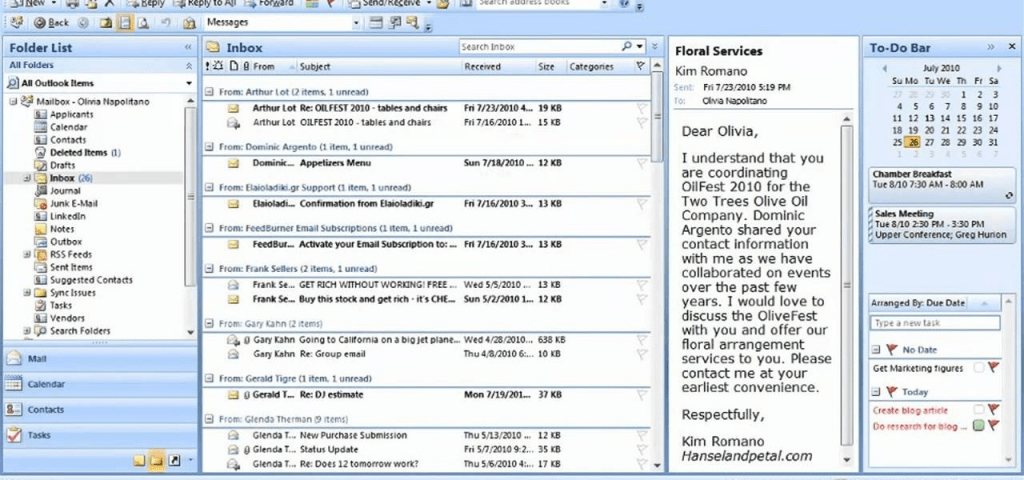
How to Automatically Color Code Incoming Emails in Outlook Conditional formatting is a way to make messages that meet defined conditions stand out in the message list by using color, fonts and styles. You specify conditions that an incoming message should meet, such as a sender’s name or email address, and then conditional formatting is

Tips on Outlook Email Read More »

Agile Manifesto & Principles

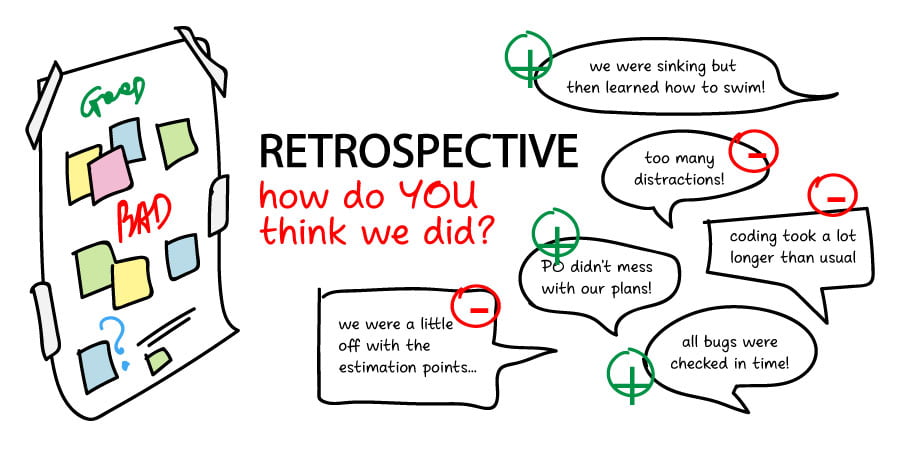
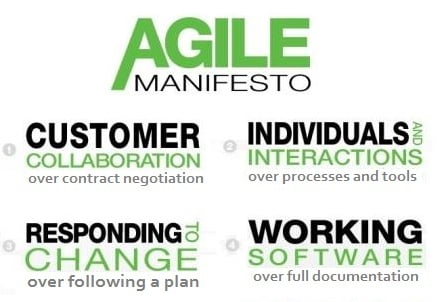
The Agile Manifesto was written in 2001 by seventeen independent-minded software practitioners. While the participants didn’t often agree, they did find consensus around four core values. The purpose is to give a new way of developing software “by doing it and helping others do it”. Agile Core Values Individuals and Interactions over Processes and Tools. Working Software over Comprehensive

Agile Manifesto & Principles Read More »

Scroll to Top