
XML statement generation using SORT

We will generate XML statement from input records having fixed positions using SORT. We will use REMOVECC, HEADER1, BUILD, JFY, SHIFT, LEFT, LEAD, TRAIL, LENGTH, SQZ & TRAILER1 parameters. REMOVECC: The REMOVECC parameter generates reports that do not include ANSI carriage control characters that specify printer actions (for example, skipping a line or ejecting a

XML statement generation using SORT Read More »

Uppercase

SAVE discarded records using SORT

Record Selection for Output File can be done using STARTREC, ENDREC, INCLUDE/OMIT, SAVE Parameters. Use SAVE to include records for OUTFIL processing that have not been included in any other OUTFIL group. If SAVE is specified on more than one OUTFIL group, then each of these OUTFIL groups gets the records that were discarded from

SAVE discarded records using SORT Read More »

Agile Estimation Techniques

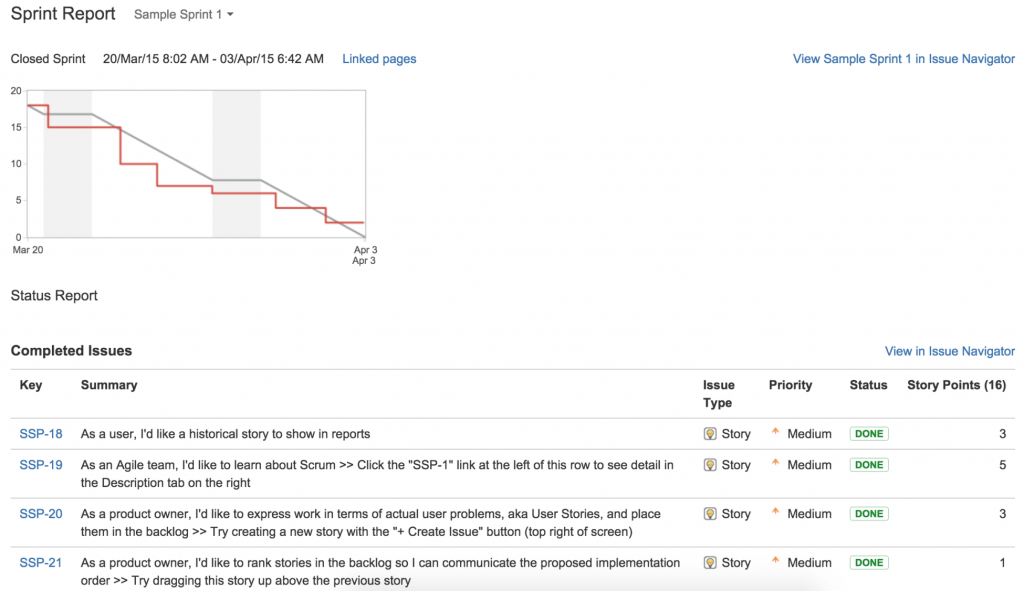
Agile Estimation is the process of finding an approximation level of effort, which is a value that is usable for few purpose even if input data may be incomplete, uncertain, or unstable. Traditional waterfall method uses bottom up approach with the smallest tasks at the bottom. But agile uses two estimation techniques,Top-Down Estimation and Relative

Agile Estimation Techniques Read More »

PDSE

JOINKEYS File Match and Comparison

The JOINKEYS File Match utility help in comparing two files. JOINKEYS File Match operation is controlled by JOINKEYS, JOIN, and REFORMAT control statements. The SORTJNF1 and SORTJNF2, are the DD statements used to specify the files which will be used to perform the join operations. During JOIN operation on two files, each record from the

JOINKEYS File Match and Comparison Read More »

Uppercase

OUTFIL control statement in SORT JCL

The OUTFIL control statement describes the output file(s) and the processing to be done on the output records. OUTFIL processing is supported for sort, merge, and copy applications. Use the OUTFIL control statement to create multiple output files without making multiple passes through the input data. OUTFIL control statement Examples Example 1 The following example

OUTFIL control statement in SORT JCL Read More »

EVALUATE

Conditional Expressions use in COBOL

Conditional expressions identify conditions that are tested to enable the object program to select between alternate paths of control depending upon the truth value of the condition. Conditional expressions may be used in the EVALUATE, IF, PERFORM, and SEARCH statements. Conditional expressions have a value of “TRUE” or “FALSE”. Conditional expressions can either be simple

Conditional Expressions use in COBOL Read More »

EVALUATE

EVALUATE statement in COBOL Programs

EVALUATE statement is used for conditional processing which helps in eliminating a series of nested IF statements to test several conditions. The EVALUATE statement is very similar to the CASE construct common in many other programming languages. If none of the EVALUATE satisfies, by default the statements coded under WHEN OTHER will be executed and

EVALUATE statement in COBOL Programs Read More »

PDSE

MERGE control statement use in SORT

The MERGE control statement must be used when a merge operation is to be performed; this statement describes the control fields in the input records on which the input data sets have previously been sorted. Use the MERGE control statement: To perform a merge application, where it describes the control fields for the previously sorted

MERGE control statement use in SORT Read More »

UNSTRING statement

Find Duration – Add – Subtract – MOD Duration using COBOL

The FIND DURATION function is used to calculate duration between: The FIND-DURATION function returns an integer in the form of complete units of the specified duration. Any rounding is done downwards. The calculation of durations includes microseconds.  The function type is integer.  The function result is a nine-digit integer. If the function result is larger

Find Duration – Add – Subtract – MOD Duration using COBOL Read More »

UNSTRING statement

File Handling Verbs in COBOL Programs

The collection of records belonging to the same entity is known as File. These records are stored permanently. File handling helps to organize these records in an ascending/descending order. It makes searching, accessing these records more easily and efficiently. The records are generally stored on a magnetic tape or a disk. Advantages of File Handling Disadvantages of File

File Handling Verbs in COBOL Programs Read More »

Scroll to Top